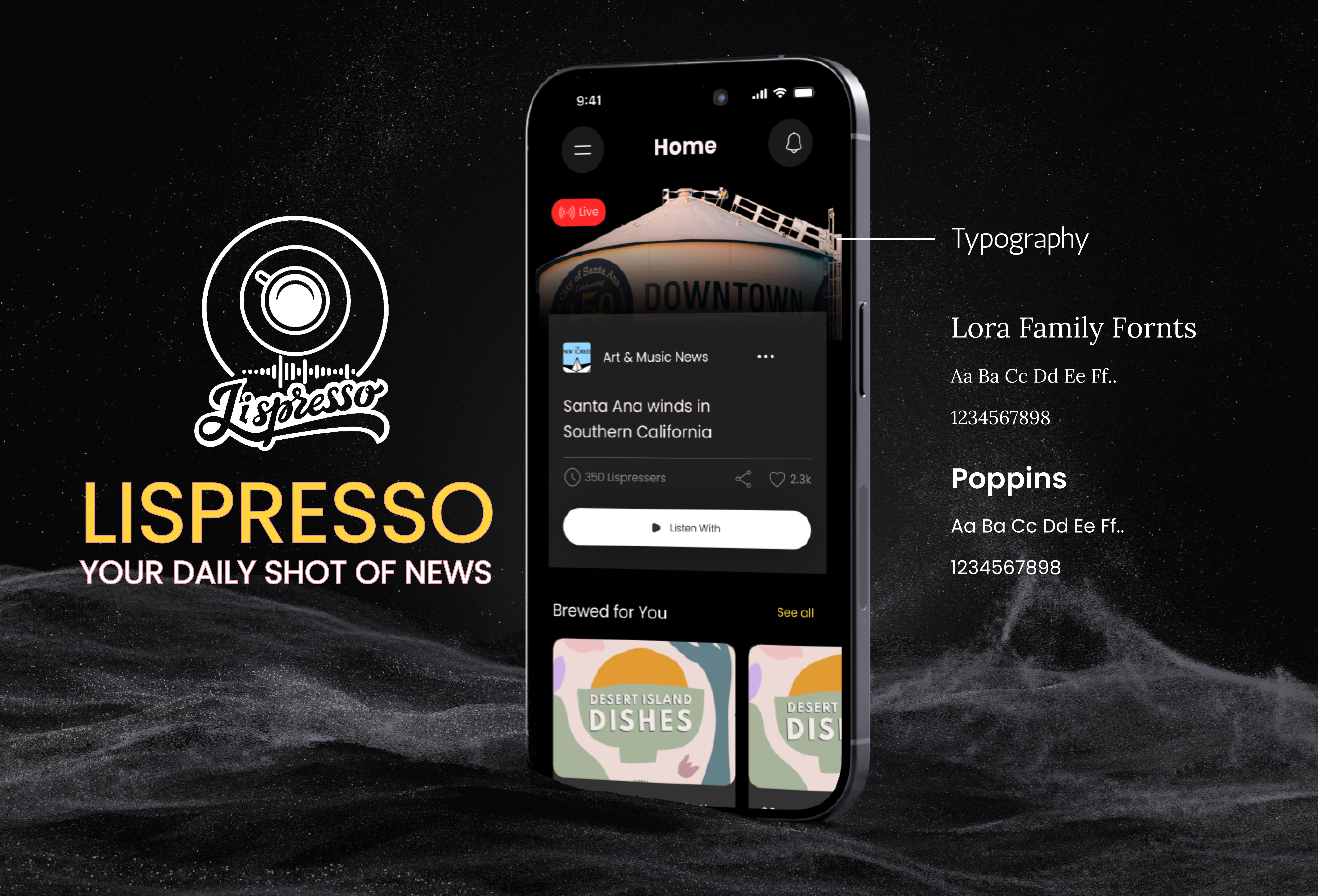
Lispresso AI
Scroll to explore ↓
A cutting-edge mobile application designed to revolutionize the local news experience through personalized audio delivery. Leveraging NLP and voice customization, Lispresso delivers global headlines at the pace of a calm coffee break — your personal audio news companion for life on the go.
Four features that turn passive news reading into an active, personalized listening experience
Lispresso AI transforms how you consume information. Advanced algorithms and user profiling deliver highly personalized news feeds based on individual interests, past behaviour, and feedback — so you only hear what matters to you.
Visit Live App →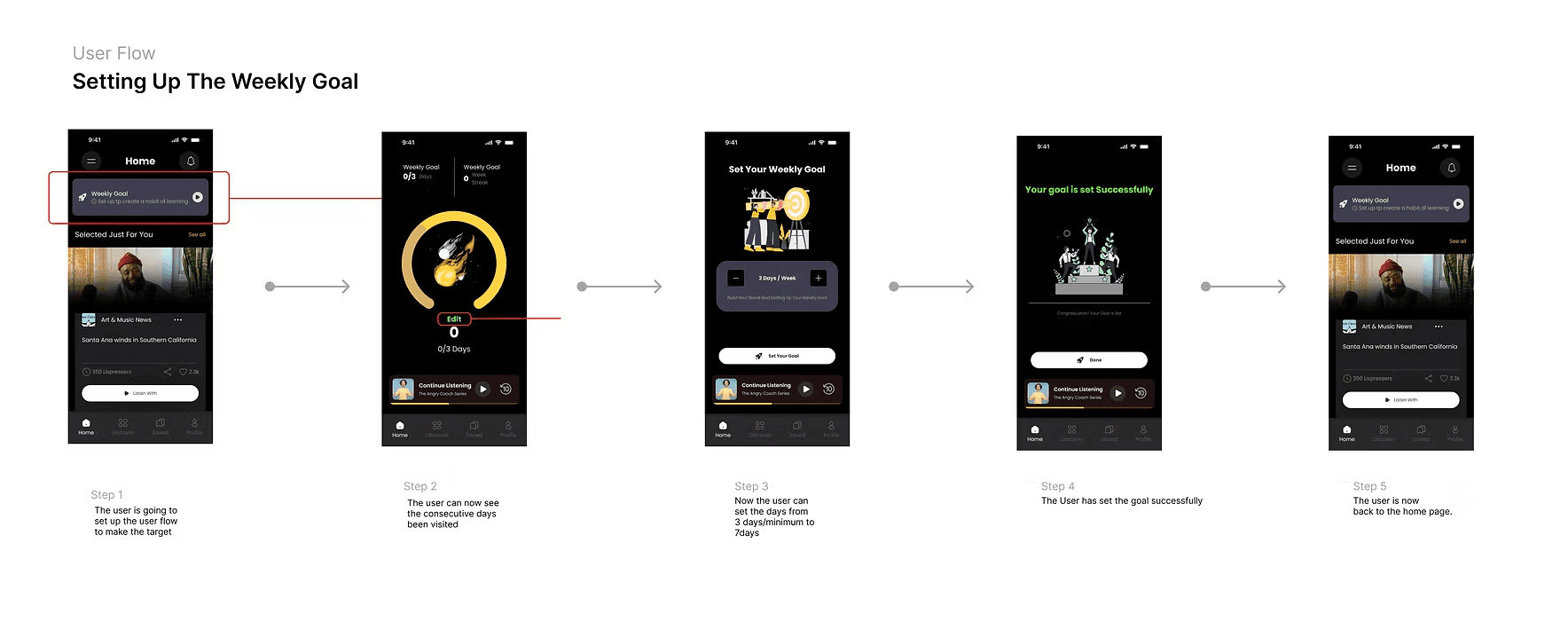
Switch between English and Mandarin in one tap. AI-powered interest categories surface the stories you care about — from global events to local perspectives — so you never miss what matters.
Visit Live App →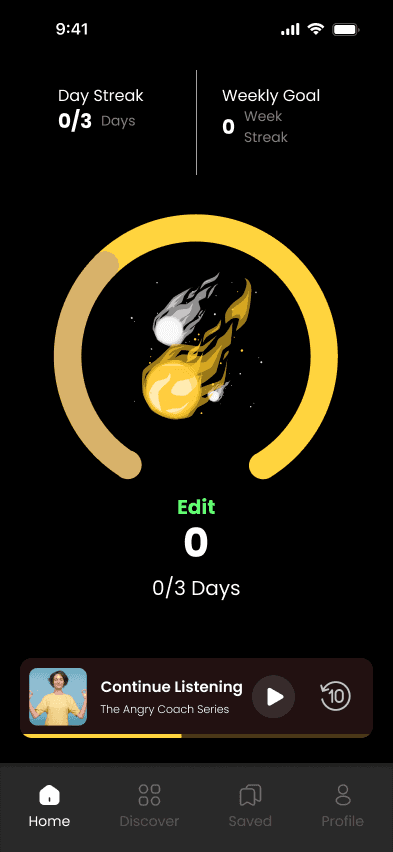
Save stories that move you to your Library. With Lispresso's crafted sharing flow, turn any insight into a beautiful story card and pass it on — with one-tap sharing to Instagram Story and other social apps.
Visit Live App →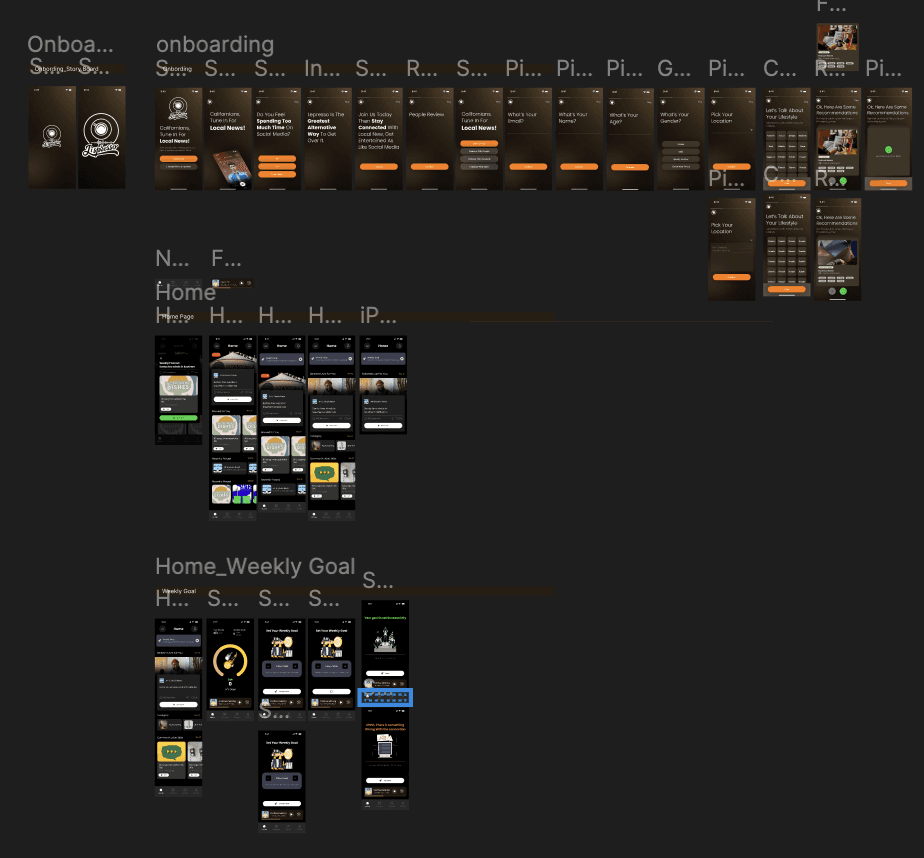
Like dialing in your espresso, freely balance background music and narration. Turn on BGM Tuning and let the coffee shop ambience keep you in flow — with dark mode support for late-night listening sessions.
Visit Live App →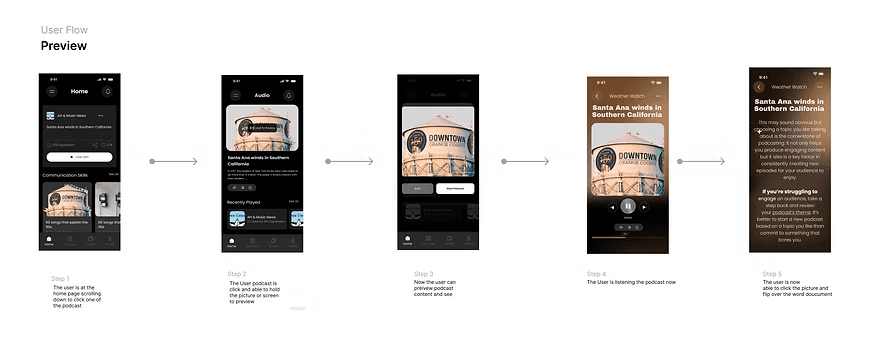
In today's fast-paced world, staying informed is harder than ever. News is fragmented across dozens of apps, text-heavy, and impossible to consume while commuting, exercising, or cooking. Busy people — especially urban commuters — are left choosing between staying informed and staying productive.
Additionally, visually impaired users lack an accessible, audio-first news experience that doesn't feel like an afterthought.
We reframed the problem space into three core design questions that guided every decision in the project.
Problem
A one-size-fits-all approach fails to engage diverse users with different news interests.
Solution
Advanced algorithms and user profiling deliver highly personalized feeds.
Problem
Visually impaired users struggle with text-heavy apps not designed for audio-first interaction.
Solution
Enhanced NLP and voice customization with voice commands and adjustable narration speeds.
Problem
Users feel overwhelmed when catching up requires sifting through excessive content.
Solution
An efficient news digest curates the most relevant follow-up stories for fast catch-up.
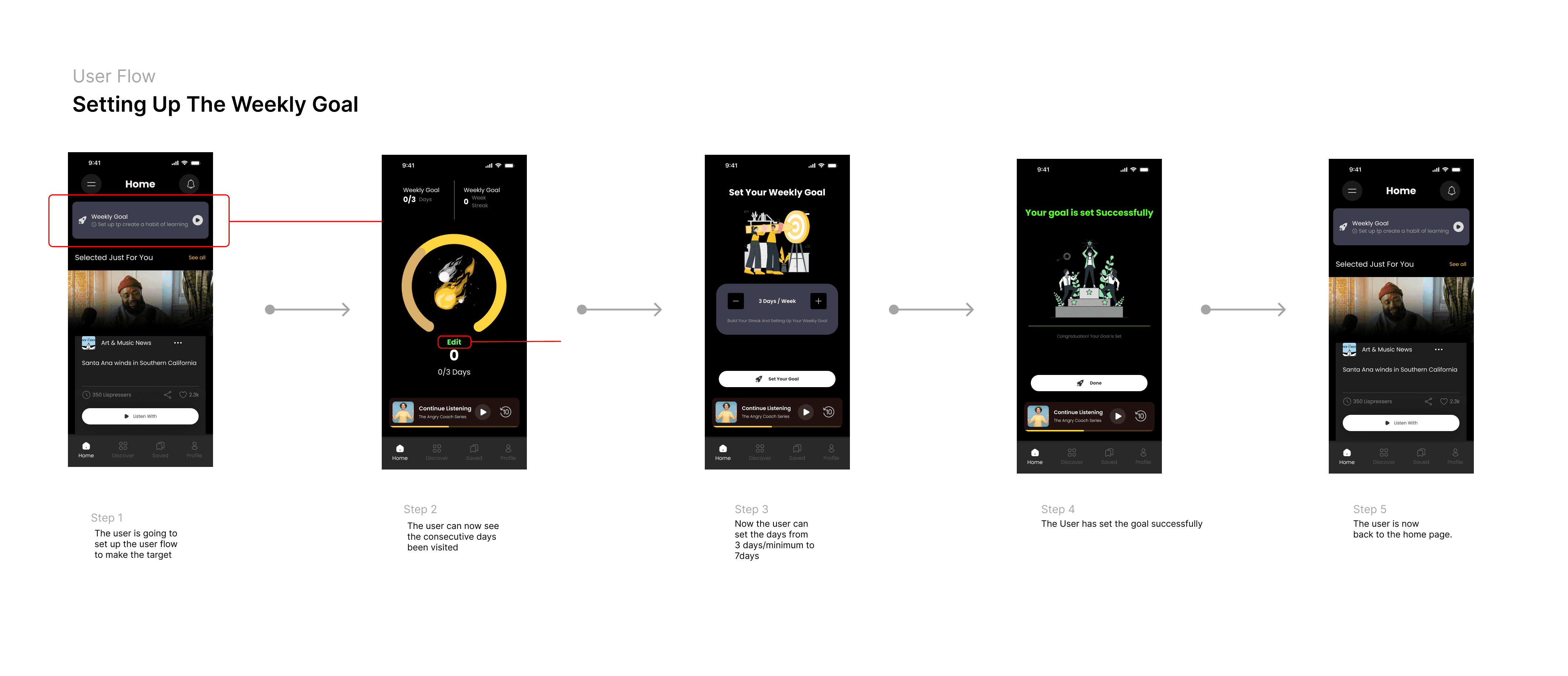
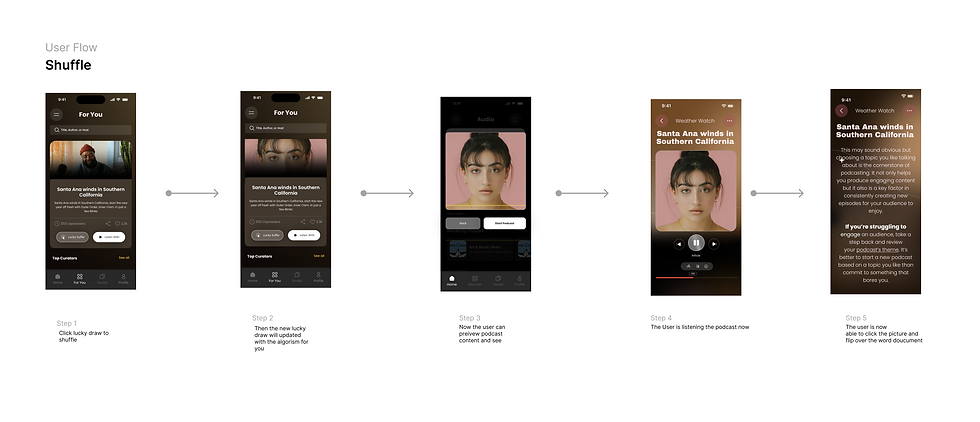
I mapped out four key user journeys to ensure every interaction felt intuitive and frictionless — from first launch through daily habitual use.


Natural voice technology delivers stories tuned to your interests — no reading required.
Switch between English and Mandarin in one tap. Interest categories adapt instantly.
Balance background music and narration freely. Coffee shop ambience keeps you in flow.
Save stories, turn them into beautiful cards, share to Instagram Story in one tap.
From onboarding to daily listening — every screen was designed to feel calm, focused, and effortless. The visual language mirrors the Lispresso brand: coffee-warm, minimal, and premium.
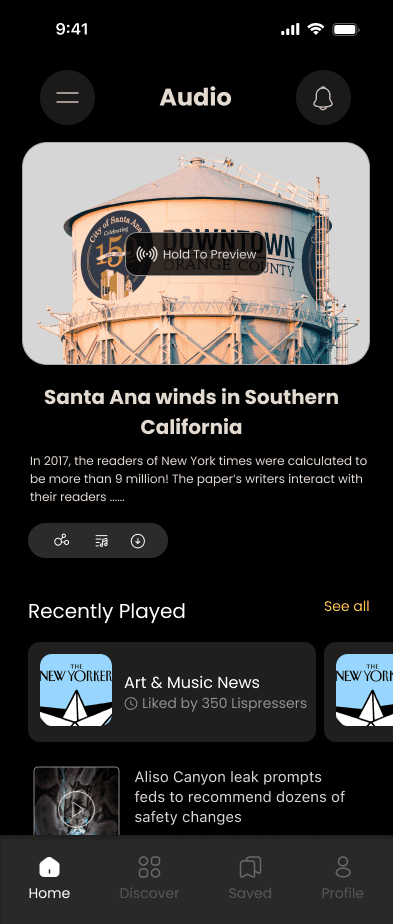
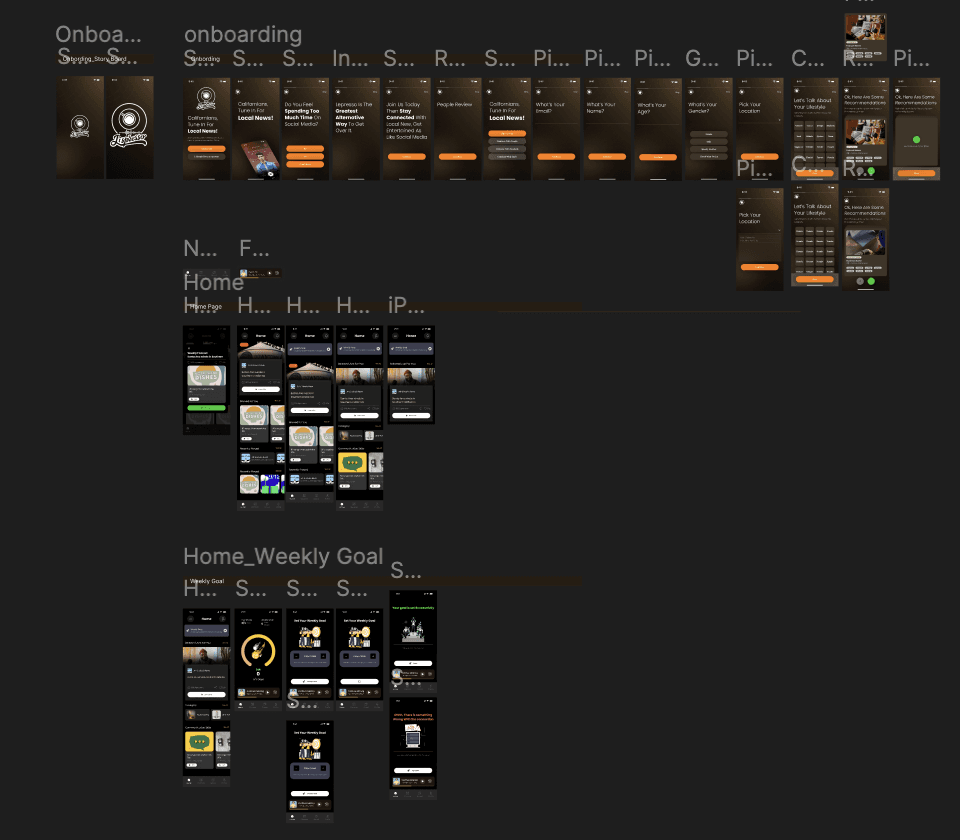
The four main screens — Onboarding, Home Feed, Listening Player, and Share — were built in Figma with a componentized design system to ensure consistency across all views.


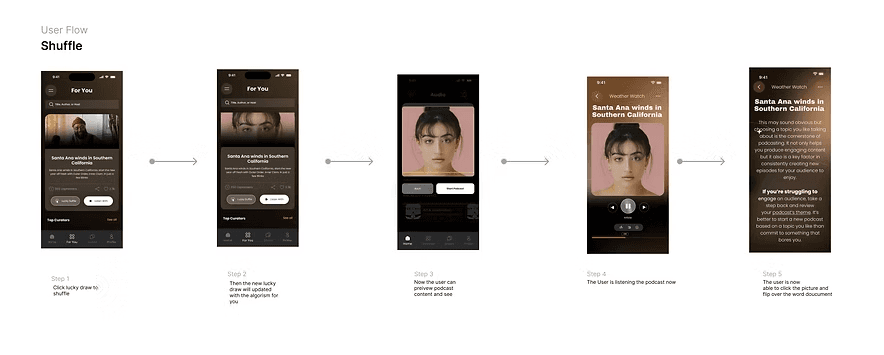
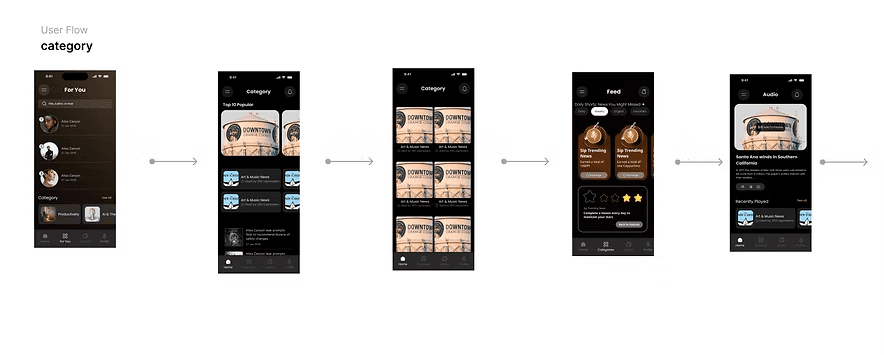
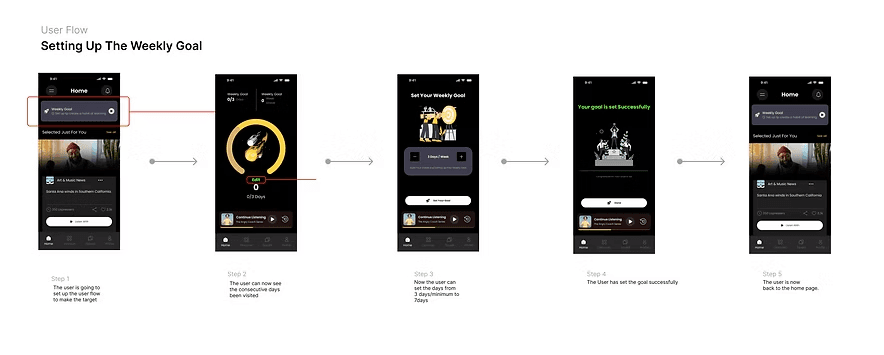
This project shifted my thinking from screen-first to experience-first. When the primary interface is audio, every visual element has to earn its place — the UI exists to support the listening, not compete with it.